 LIVE
Music channels
Lo-fi and study music playlists.Your lo-fi and study music playlists stay live day and night.
No camera · No OBS · No computer left on
airloop.live plays your recorded videos as a live stream on your YouTube channel. Upload your files, add your stream key and press start. No camera, no OBS and no computer left on.
From $19/month · No commitmentFrom $19/month · No commitment · Cancel anytime
 YouTube
 Twitch
 Kick
 LIVE1080p · 30 fps

Sample views. Use your own videos to run 24/7 streams like these.
A video you recorded earlier, broadcast to viewers live. There’s no camera and no presenter on the day: a server reads your file at real-time speed and sends it to YouTube, and viewers see a normal live stream.
Your file uploads in chunks from your browser straight to our encoding server.
Each video is converted once to 1080p 30 fps H.264/AAC. We keep the encoded copy and delete the original.
Videos are sent one after another in your order, with no re-encoding while live. The playlist loops when it ends.
Your stream reaches your channels using the keys you entered, and one stream can go to several platforms at once. If it drops, it restarts automatically.
Open an account and start your first stream in a few minutes.
Upload your pre-recorded videos as MP4, MOV, MKV or similar files. We convert each one to a stream-ready format in the background.
In YouTube Studio, go to Create → Go live, copy your stream key and paste it into your dashboard. To send the stream to Twitch and Kick too, add their keys as well.
As soon as you press start, the stream runs from our servers to YouTube. It continues 24/7 until you stop it.
Anything you already have on file can run as a live stream. A few common formats:Anything you already have on file can run as a live stream.
A few common formats:
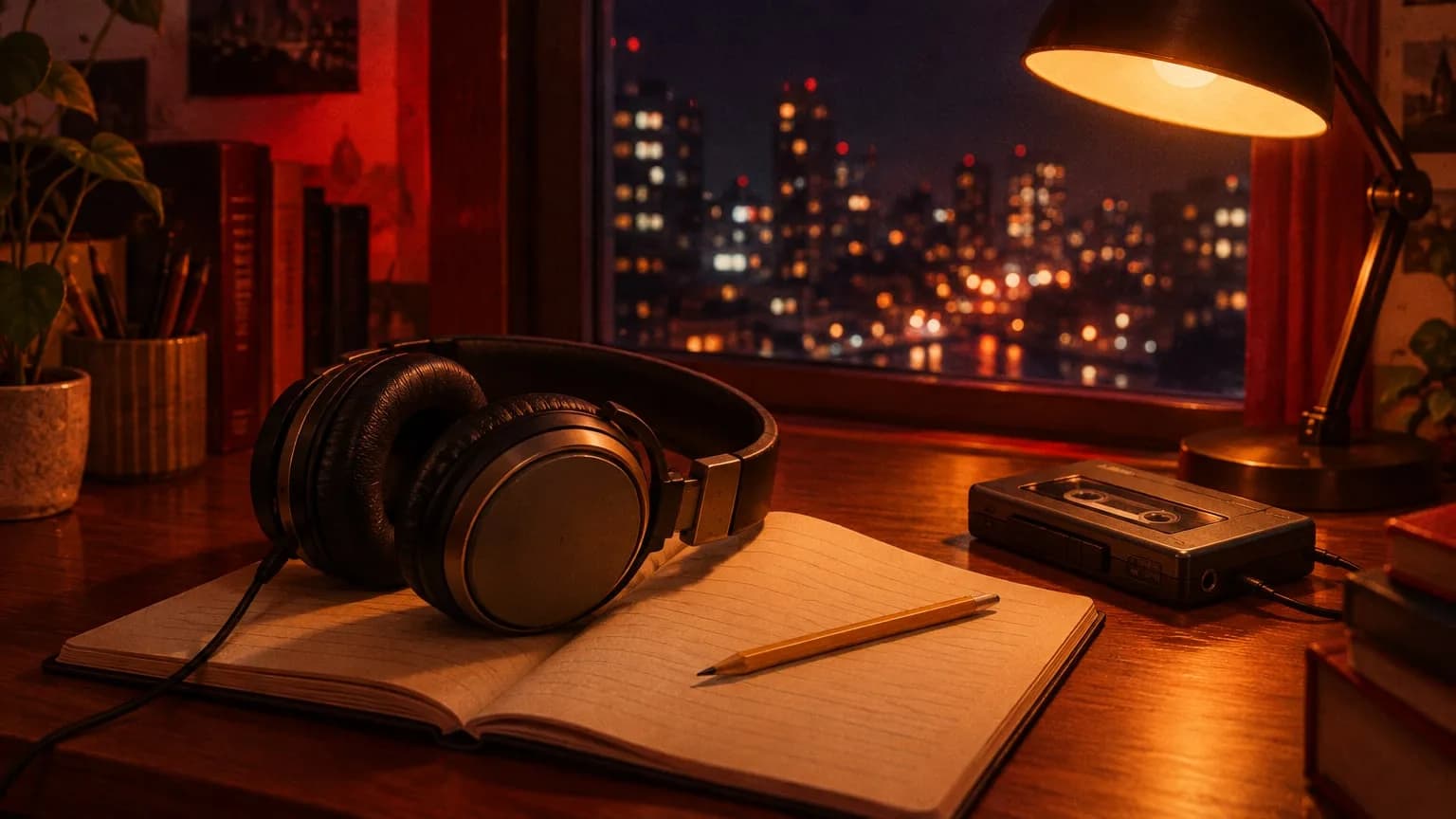
LIVELo-fi and study music playlists.Your lo-fi and study music playlists stay live day and night.
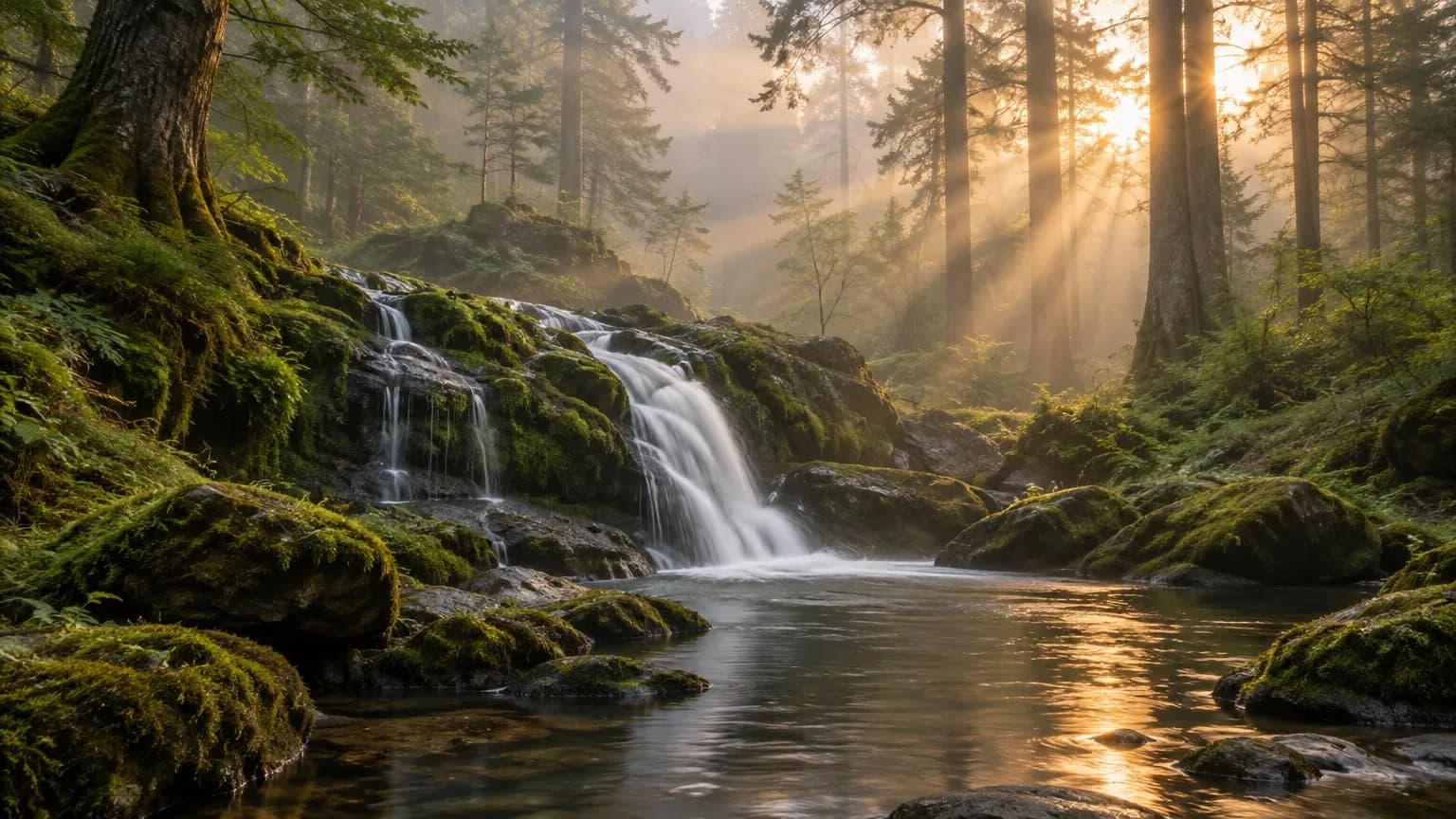
LIVEWaterfall, rain and forest videos.Your waterfall, rain and forest videos become a long relaxing stream.
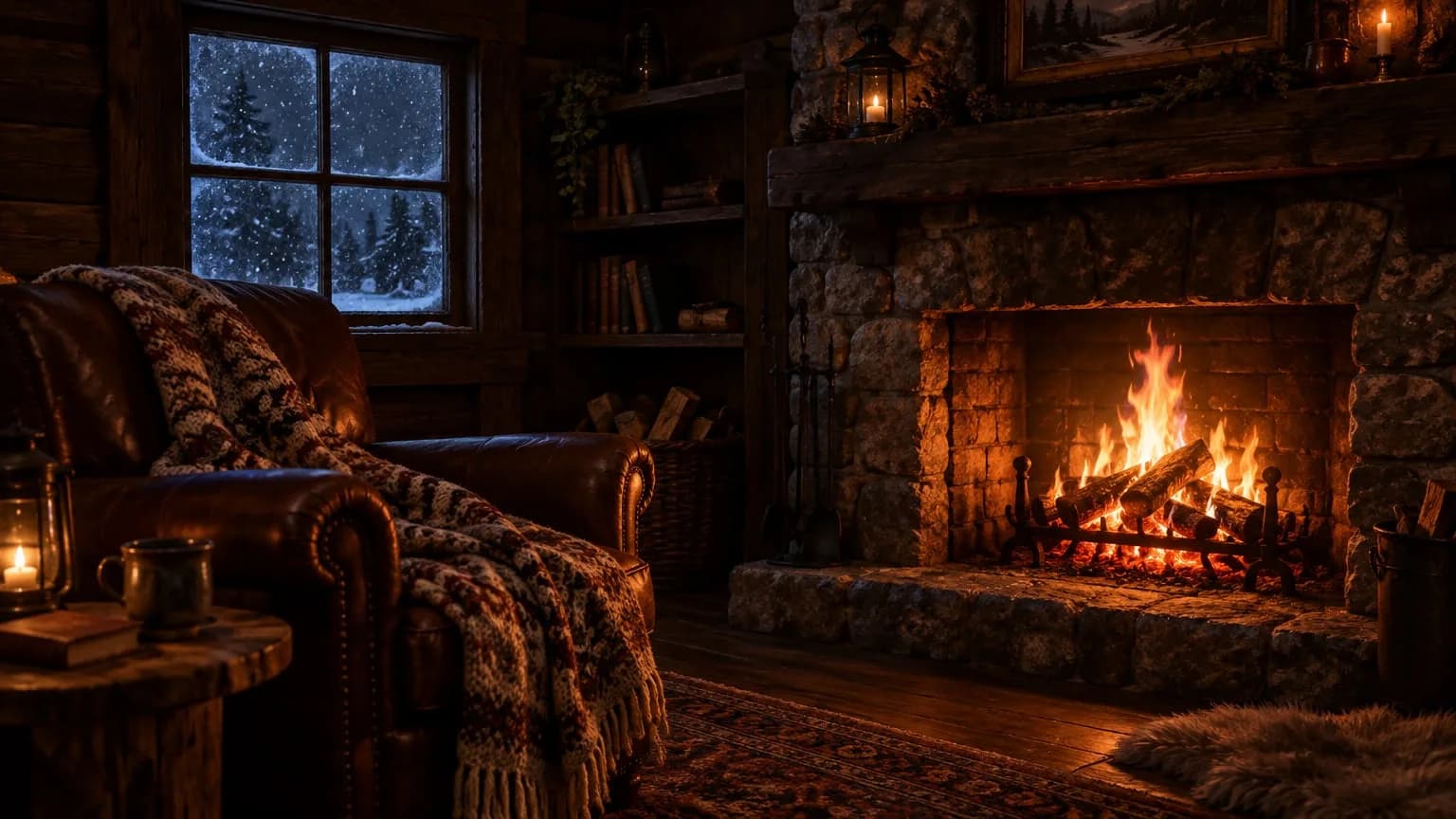
LIVEFireplace and sleep videos.Your fireplace and sleep videos keep viewers company all night.
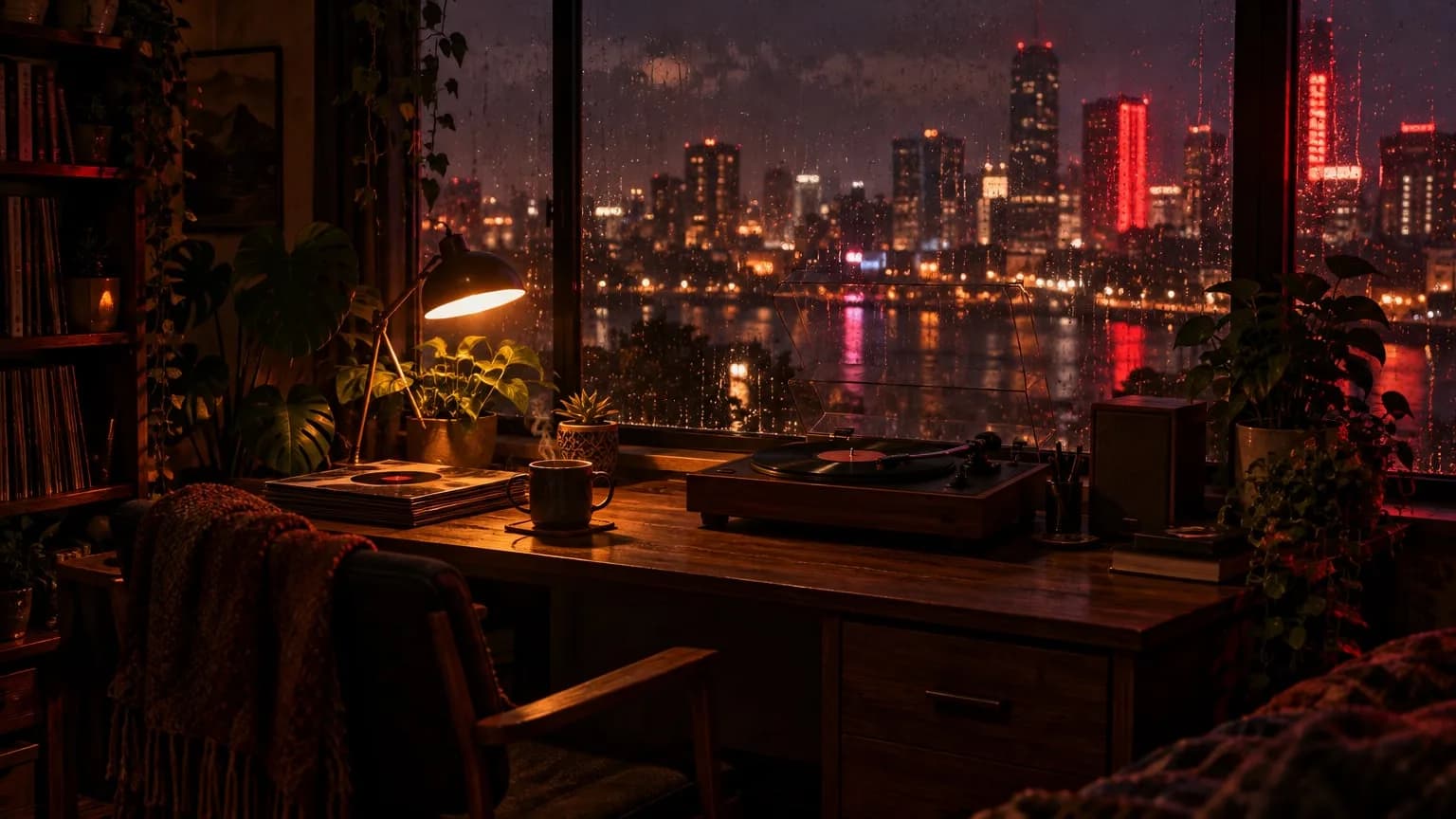
LIVECalm night-drive videos.Your drives through rainy city lights play on a nonstop loop.
Yes, within limits. These rules apply wherever your stream comes from, so it’s worth knowing them before you go live.
YouTube doesn’t cap live stream length, and streaming recorded content isn’t prohibited by itself.
YouTube scans every live stream for third-party content. A match can interrupt or end your stream, so only use videos you have the rights to.
YouTube treats repetitive or mass-produced content as ineligible for monetization, and it reviews reused content too. This is a rule about ads, not a ban on streaming.
Streams over 12 hours may not be saved to your channel as a video. The stream itself doesn’t stop.
Twitch asks you to check the Rerun box and start the title with [Rerun]. On Kick, recorded streams may count against you for verification and the Partner program.
Get one stream slot for each stream you want live at the same time, and change the number whenever you like.No complicated plan table. Get one stream slot for each stream you want live at the same time, and change the number whenever you like.
Payments are processed by Stripe, by card and in US dollars. The subscription renews monthly.
Number of stream slots
1 stream slot
$19/ mo
You only pay when you decide to go live.
Payments are processed by Stripe, in US dollars.
What people ask before streaming a recorded video as a live stream.
5 questions
Yes. YouTube doesn’t cap live stream length, and streaming recorded content isn’t prohibited by itself. Copyright, reused content and spam policies still apply, so only stream videos you have the rights to.
On YouTube it appears as a normal live stream with the live badge, and nothing is added to say it came from a file. On Twitch, you’re asked to check the Rerun box and start the title with [Rerun] for recorded content.
Yes. Set an auto start and auto stop time when you create the stream. Scheduled jobs are checked once a minute, so they may run a few seconds off.
MP4, MOV, MKV, WEBM, M4V, AVI, FLV and TS. Each file is converted once to 1080p 30 fps H.264/AAC after upload, so nothing is re-encoded while live.
No. The stream runs on our servers, so you don’t need OBS, and your computer can be off.
Keep your channel live around the clock, with automatic restarts.
Learn more →How a stream runs with your computer off, compared with OBS and a VPS.
Learn more →Loop one video or a playlist, and change it while it’s live.
Learn more →Creating an account is free. You only pay when you decide to go live.Creating an account is free. Look around the dashboard, and pay only when you decide to go live.