03:14 at nightLIVE
00:0006:0012:0018:0024:00
Your channel is live 24/7
Your videos play in order and the playlist loops when it ends. A viewer who shows up at 3 AM still finds a live stream on your channel.
No OBS · No computer left onNo OBS · No computer left on · Just your stream key
Turn your pre-recorded videos into a 24/7 YouTube live stream. The playlist loops on our servers, so there’s no OBS to run and no computer to leave on. If the stream drops, it restarts automatically.
From $19/month · No commitmentFrom $19/month · No commitment · Cancel anytime
 YouTube
 Twitch
 Kick
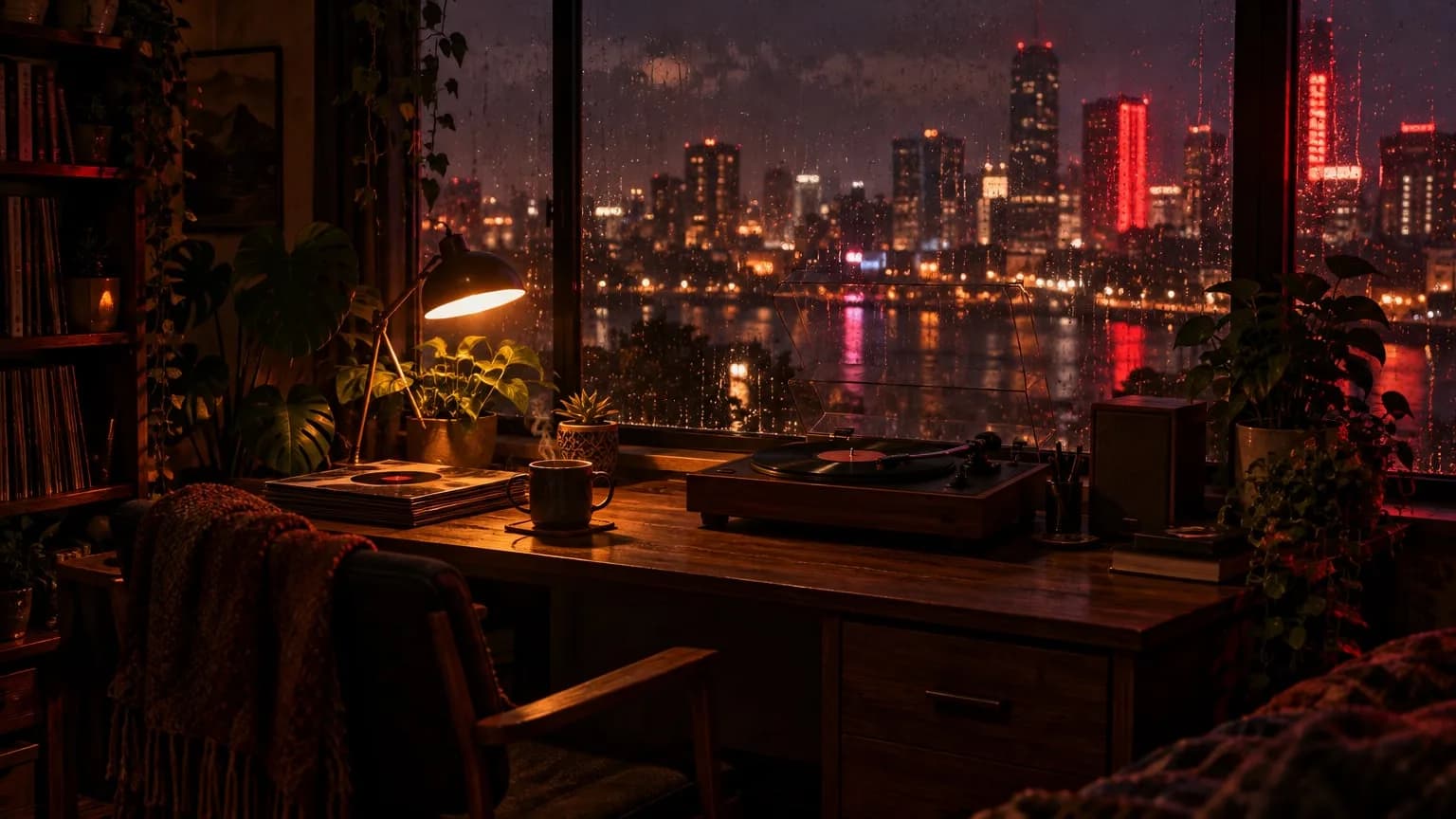 LIVE1080p · 30 fps
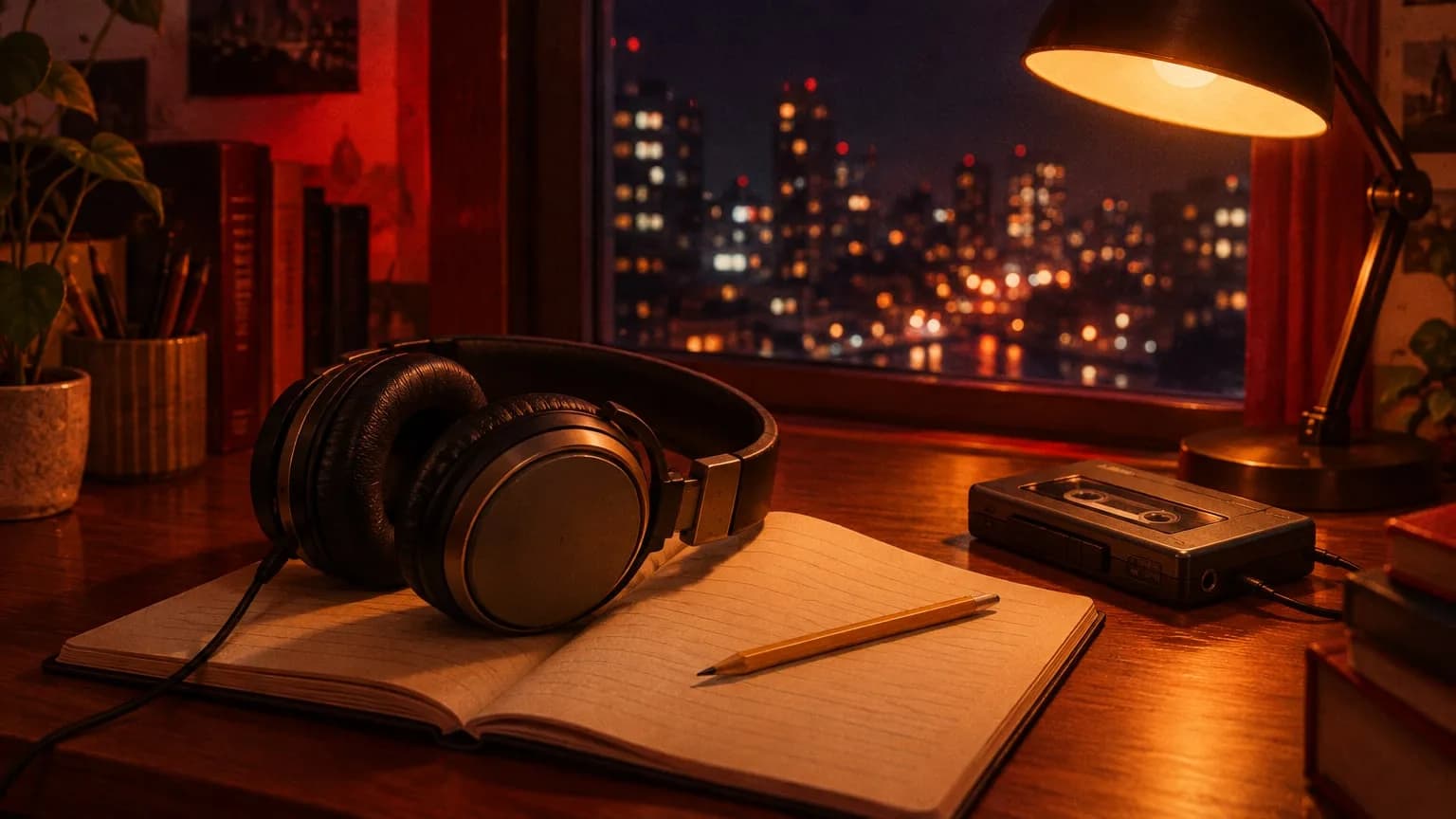
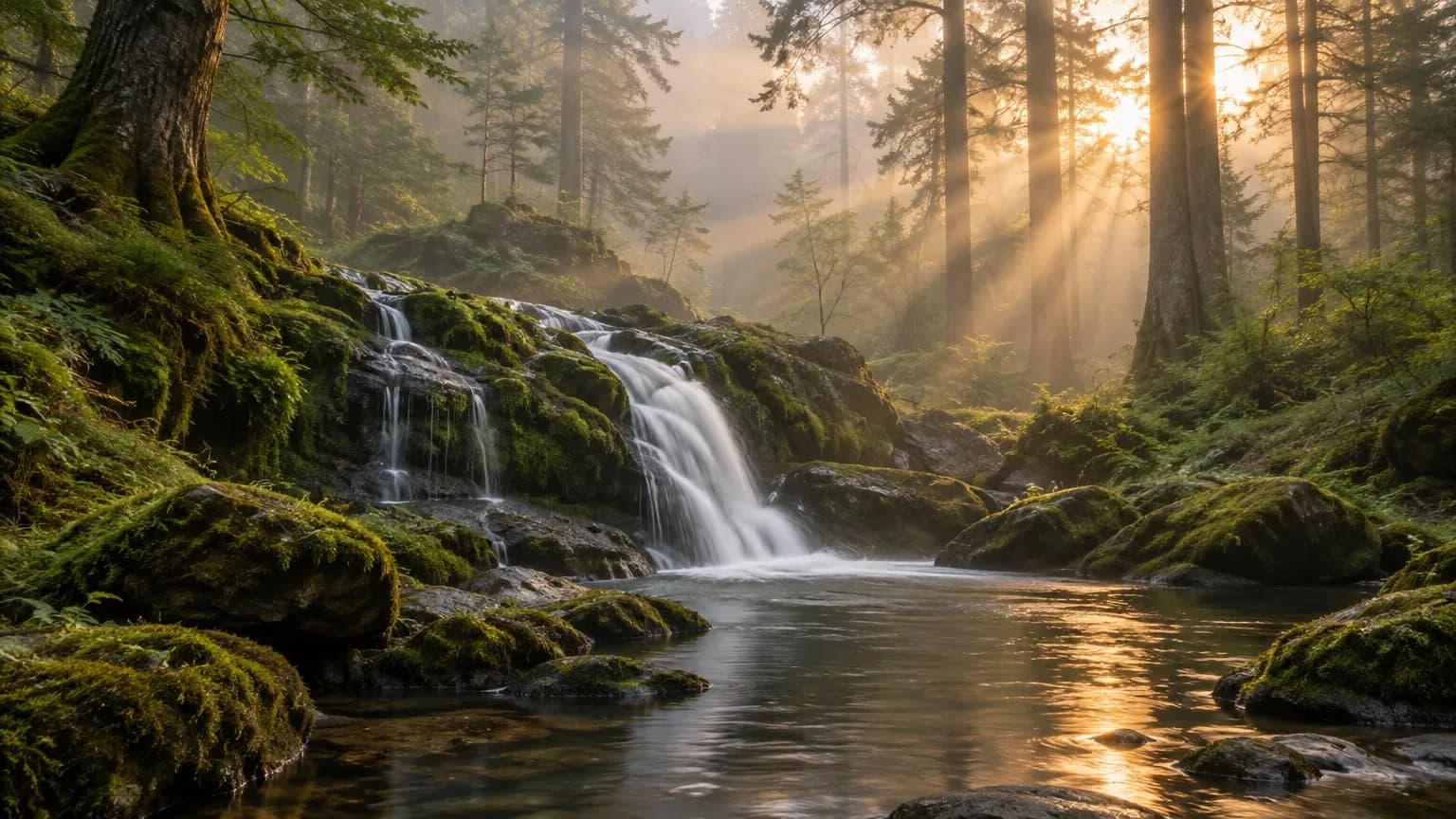
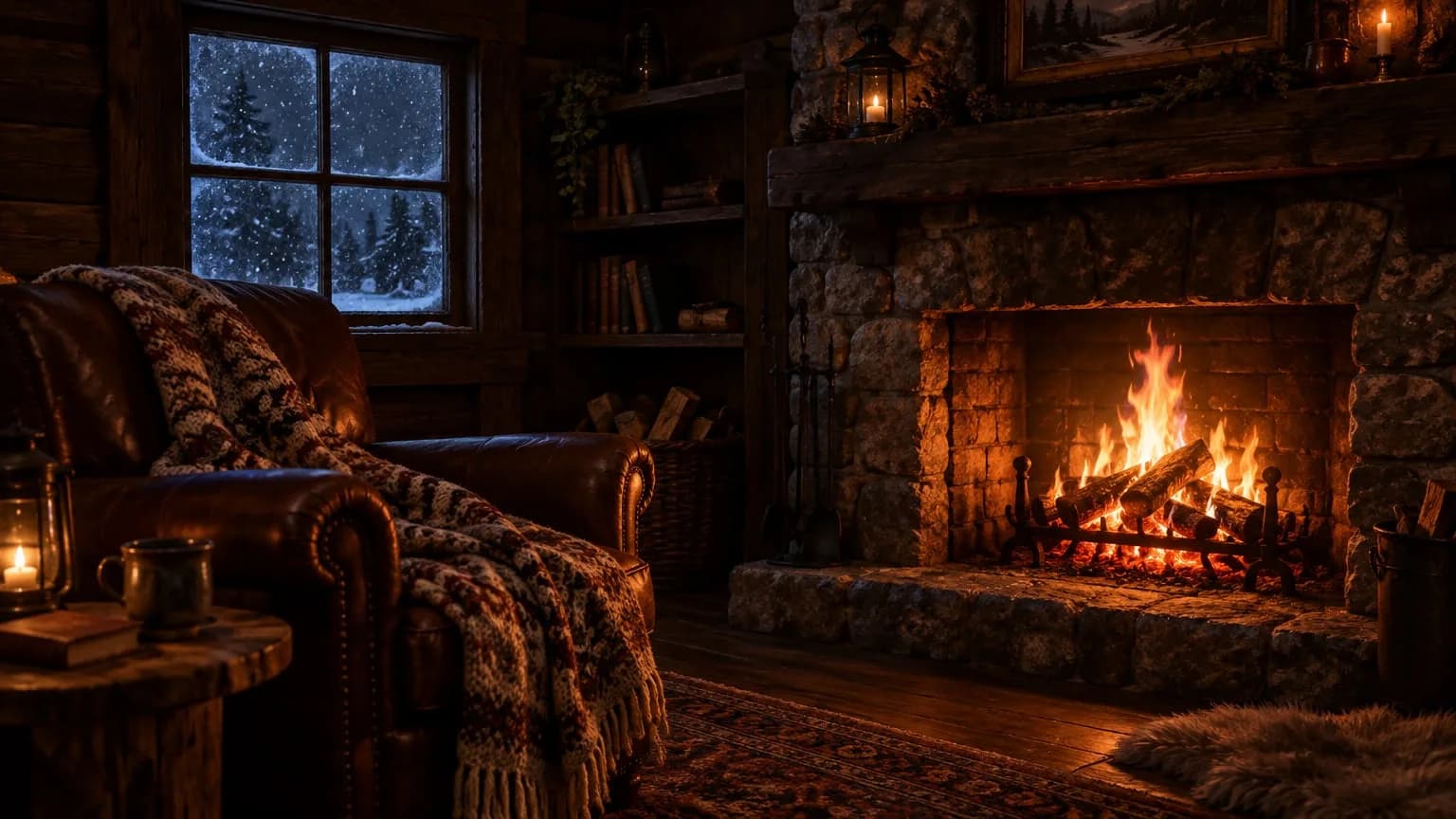
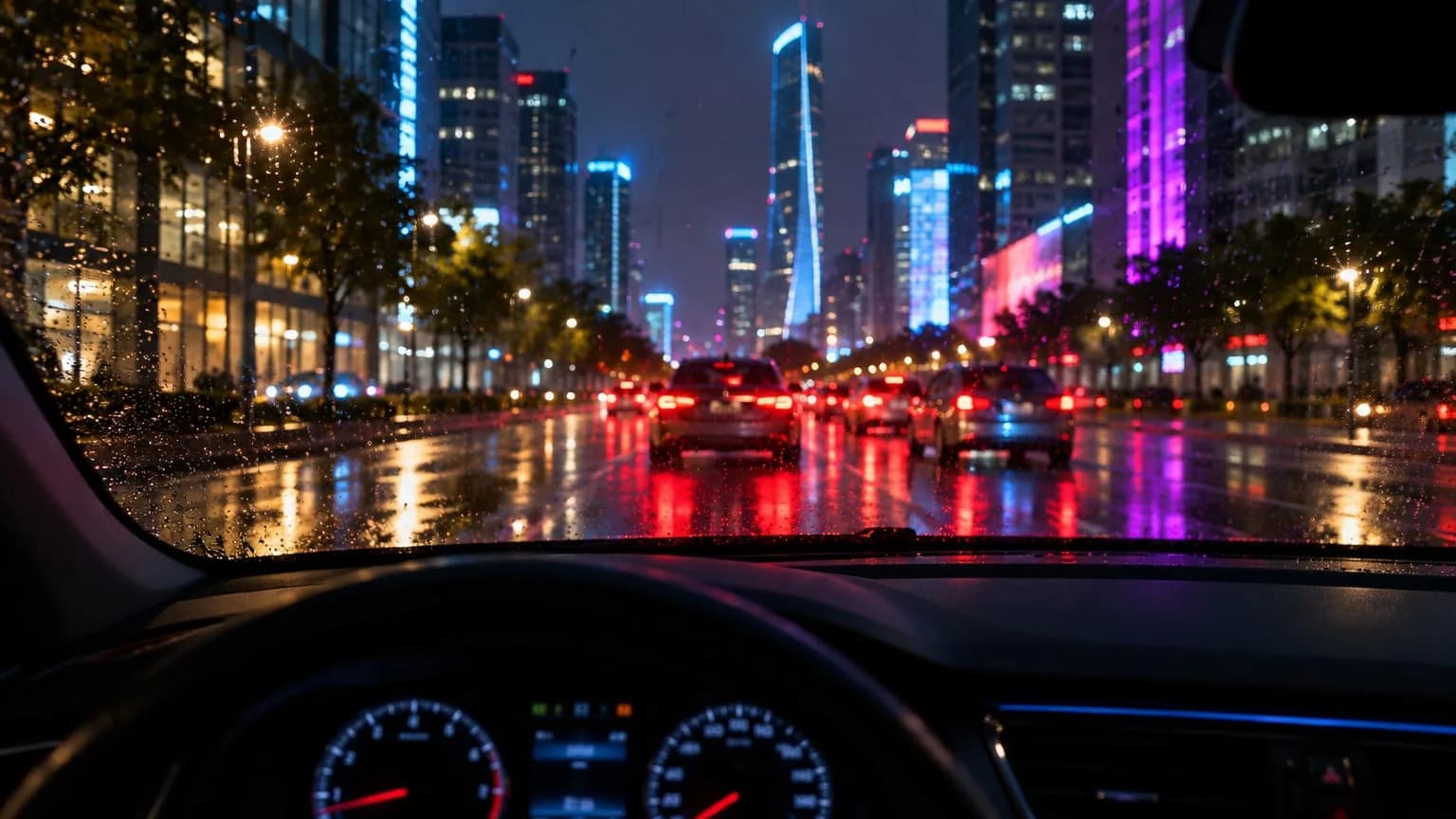
Sample views. Use your own videos to run 24/7 streams like these.
Upload your videos, enter your stream key and press start. We handle the rest, with no server to rent.
Your videos play in order and the playlist loops when it ends. A viewer who shows up at 3 AM still finds a live stream on your channel.
Your live streams run on our servers. No need to run OBS, and no need to leave your computer on.
The system notices a dropped stream and restarts it. No getting up at night to check; you can see what happened in your dashboard.
Being live doesn’t bring viewers by itself; views depend on your content and your channel. Our job is keeping the stream on.
Any long-running stream can hit problems, so we don’t promise 100% uptime. We do tell you up front what happens in each case.
Nothing changes, because the stream doesn’t run on your computer.
The playlist loops. The stream continues until you stop it.
That video is skipped and the next one starts. The reason shows in your dashboard.
Live streams are checked every minute. A dropped stream restarts automatically and picks up where it left off, and the event is logged in your dashboard.
The problem is most likely the stream key or the video. Automatic retries stop, so check the event log and restart the stream yourself.
If the stream key was reset, or there’s a copyright or policy issue, we can’t fix that from our side. You can check your channel’s status in YouTube Studio.
Your stream doesn’t stop right away. It stays on for 2 more days. Renew in that time and it continues without interruption; otherwise it’s shut down. If you canceled, the 2 days start when your paid period ends.
Open an account and start your first stream in a few minutes.
Upload your pre-recorded videos as MP4, MOV, MKV or similar files. We convert each one to a stream-ready format in the background.
In YouTube Studio, go to Create → Go live, copy your stream key and paste it into your dashboard. To send the stream to Twitch and Kick too, add their keys as well.
As soon as you press start, the stream runs from our servers to YouTube. It continues 24/7 until you stop it.
You don’t have to stop the stream to change the playlist, and you can schedule start and end times in advance.
Add new videos or skip to the next one while you’re live, with no need to stop the stream.
Night 01 · Rainy cityNowForest 03 · Waterfall1:02:14Cabin 02 · Fireplace58:40Schedule a stream to start on a future date and end at the time you choose.
Multistream
YouTube comes first. If you want, send the same stream to Twitch and Kick at the same time, with no re-uploading and no separate stream to set up.
Night lofi · 24/71 stream slotLIVEAnyone with pre-recorded videos who wants to keep a channel live 24/7.Anyone with pre-recorded videos who wants to keep a channel live 24/7.
A few examples:
LIVELo-fi and study music playlists.Your lo-fi and study music playlists stay live day and night.
LIVEWaterfall, rain and forest videos.Your waterfall, rain and forest videos become a long relaxing stream.
LIVEFireplace and sleep videos.Your fireplace and sleep videos keep viewers company all night.
LIVECalm night-drive videos.Your drives through rainy city lights play on a nonstop loop.
Get one stream slot for each stream you want live at the same time, and change the number whenever you like.No complicated plan table. Get one stream slot for each stream you want live at the same time, and change the number whenever you like.
Payments are processed by Stripe, by card and in US dollars. The subscription renews monthly.
Number of stream slots
1 stream slot
$19/ mo
You only pay when you decide to go live.
Payments are processed by Stripe, in US dollars.
It streams the videos you upload from our servers to your YouTube channel live, and to Twitch and Kick at the same time if you want. Videos play in order and the playlist loops, so your channel stays live until you stop it.
Live streams are checked every minute. If a stream drops or loses connection, it restarts automatically, picks up where it left off, and the event is logged in your dashboard. After 5 stops in a row, automatic retries end; check the event log, your stream key and videos, then restart it yourself. We can’t fix a reset stream key or YouTube stopping a stream over copyright or policy, which is why we don’t promise 100% uptime. We recommend turning off auto-stop in Live Control Room; if it stays on, YouTube ends the stream about a minute after the video signal stops.
Yes. YouTube doesn’t cap live stream length, and streaming recorded content isn’t prohibited by itself. The limits are about content: copyright, reused content and spam policies still apply to 24/7 streams.
No. We don’t ask you to link your channel or grant YouTube permissions. If you sign in with Google, it only verifies who you are and requests no YouTube access. Just enter the stream key from the live stream you set up in YouTube Studio. You can reset the key in YouTube Studio anytime.
A stream slot lets you keep one stream live at a time. If you run one channel, one slot is enough. To keep three different streams live at once, you need three slots. Sending the same stream to YouTube, Twitch and Kick counts as one slot. You can add or remove slots anytime. Create as many streams as you like; the limit is only how many can be live at once.
Yes. YouTube comes first, but you can also stream to Twitch and Kick from the same dashboard. Just enter a stream key for each platform; Kick also needs your account’s server URL.
Creating an account is free. You only pay when you decide to go live.Creating an account is free. Look around the dashboard, and pay only when you decide to go live.