LIVE4 videos · 6h 39m totalPlaylist · 4 videos · 6h 39m total
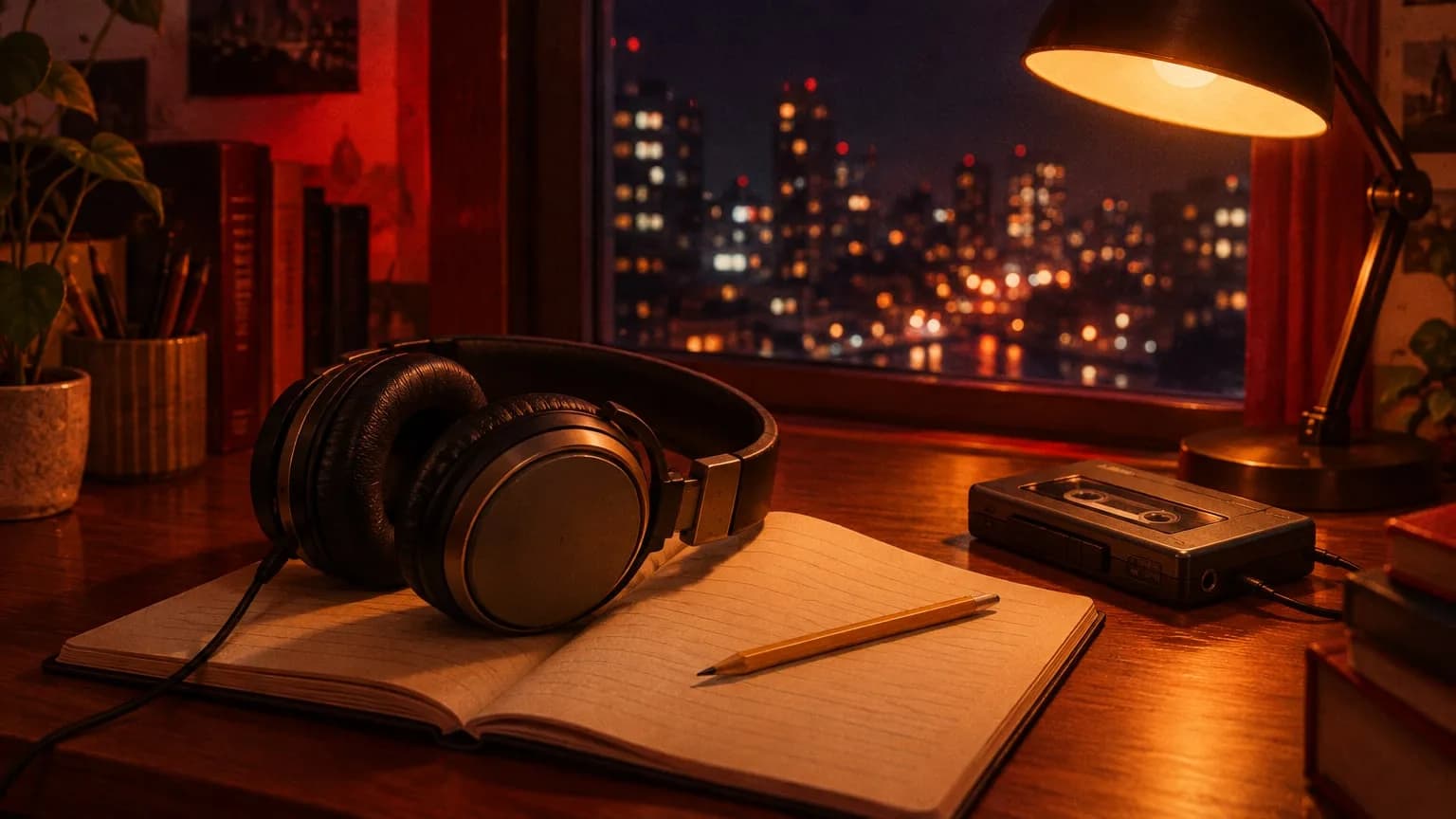 11Rainy city
 2 · Playing2By the window
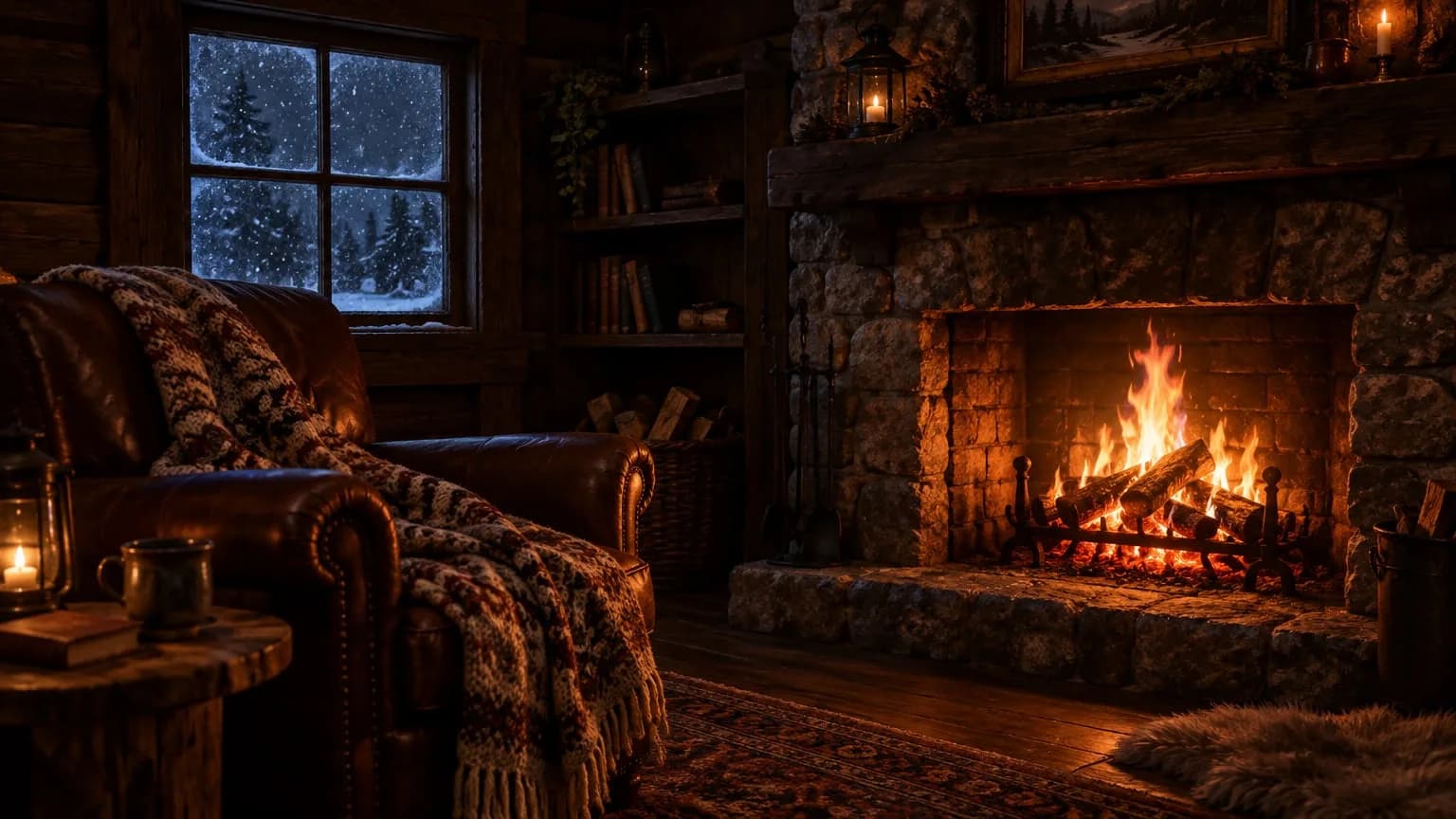 33By the fire
- Loop
Continuous loop
Your videos play in order and the playlist loops when it ends. The stream continues until you stop it.
Keep your pre-recorded videos live on your channel 24/7, without having to babysit the stream.
11Rainy city2 · Playing2By the window33By the fireYour videos play in order and the playlist loops when it ends. The stream continues until you stop it.
We stream from our servers, so it keeps going even if your computer is off or your internet is down.
The stream starts automatically at this time.
The stream stops automatically at this time.
Schedule a stream to start on a future date and end at the time you choose.
Night lofi · 24/7Uptime 3d 06:12LIVE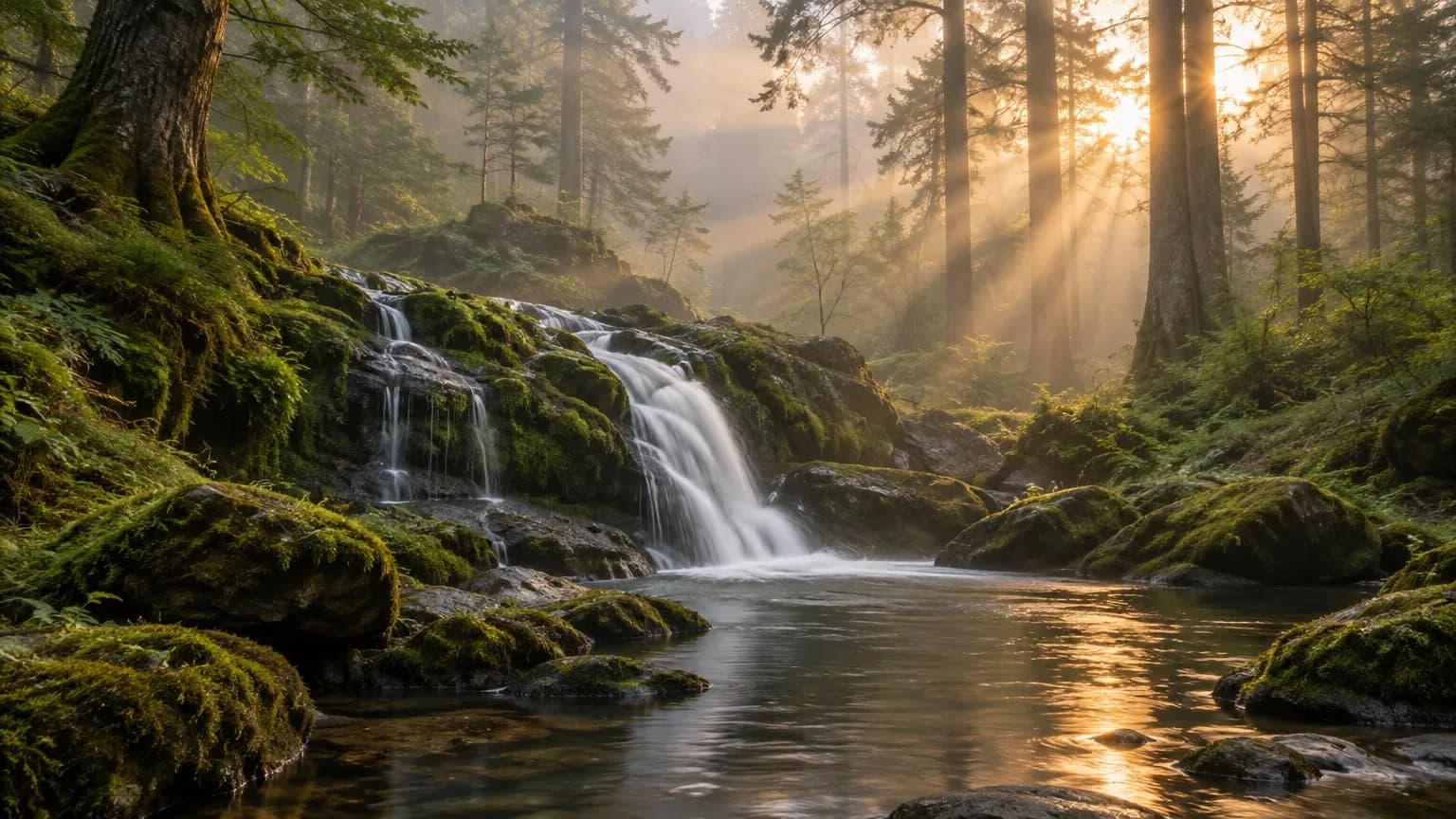 Forest rainUptime 11d 02:40LIVEBy the fireUptime 18h 05mLIVE
A stream slot lets you keep one stream live. To run three channels, get three slots and keep them all live at the same time.
Send one stream to YouTube, Twitch and Kick at the same time. One slot is enough; you just enter a stream key for each platform.
Night lofi · 24/7LIVE1 stream slotNight lofi · 24/71 stream slotLIVE


While you’re live
Skip to the next video or update the playlist while you’re live. Even a broken file won’t take the stream down.
Don’t wait for the current video to finish. Jump to the next one without interrupting the stream.
When you edit a saved playlist, live streams using it continue in the new order. The videos just need to share the same orientation.
If a file can’t be played, it’s skipped and the next one starts. The reason shows in your dashboard under “Skipped videos.”
Video 2 of 5 · Started 14m ago
Night 01 · Rainy cityPlayed2:14:08Night 02 · By the windowPlaying58:40Night 03 · By the fire1:32:15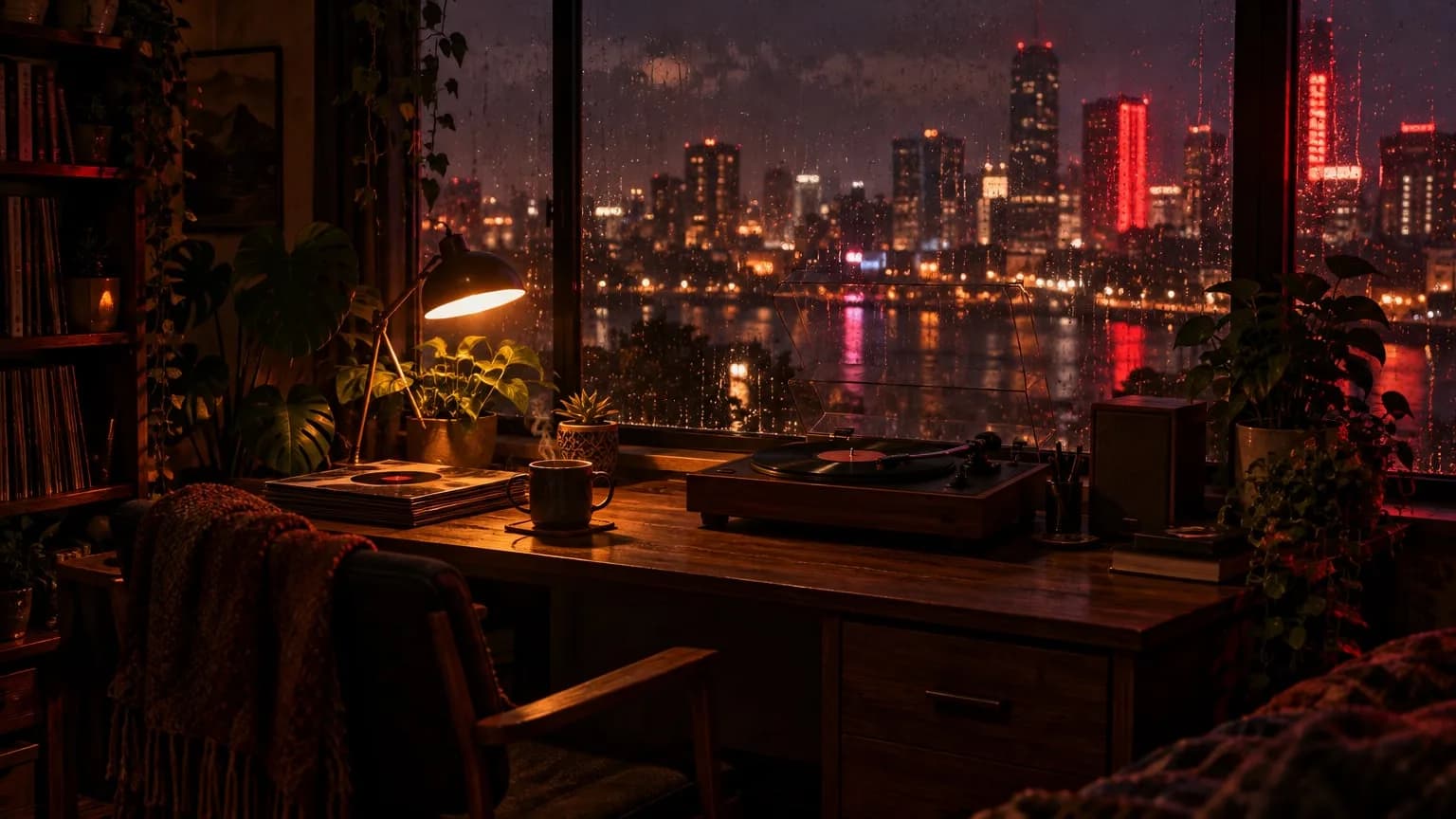 Night 05 · Quiet roomAdded while live49:12
Skipped videos
old-recording-07.mp4 — File couldn’t be read
For those curious about how the stream keeps running, where your files are stored, and how multiple channels work.
Each video is converted once on upload to a standard stream format: 1080p, 30 fps, H.264 video and AAC audio, with a fixed keyframe interval. Since every file matches, nothing is re-encoded while live; videos are simply joined one after another. That keeps CPU load low and prevents freezes and audio drift between videos.
Live streams are checked every minute. If one stops unexpectedly, it restarts automatically and picks up where it left off, and each attempt appears in the event log. After 5 stops in a row, automatic retries end, so check the event log and restart the stream yourself.
A stream slot lets you keep one stream live. To keep three channels live at once, you just need three slots, all managed from one dashboard. You can add slots during the month and remove them when you need fewer.
Your encoded videos are transferred to cloud storage over an encrypted connection and stay tied to your account. The stream server only keeps the file it needs while streaming. When you delete a file from your Library, it’s deleted from storage too.
Every video is converted to this profile on upload. Nothing is re-encoded while live.
Creating an account is free. You only pay when you decide to go live.Creating an account is free. Look around the dashboard, and pay only when you decide to go live.