One video or a whole playlist
Loop a video
or playlist
live
on YouTube 24/7
Upload one video or a whole playlist and airloop.live plays it on repeat, live on your channel, until you stop it. Change the order or add videos while it runs, without stopping the stream.
From $19/month · No commitmentFrom $19/month · No commitment · Cancel anytime
 YouTube
 Twitch
 Kick
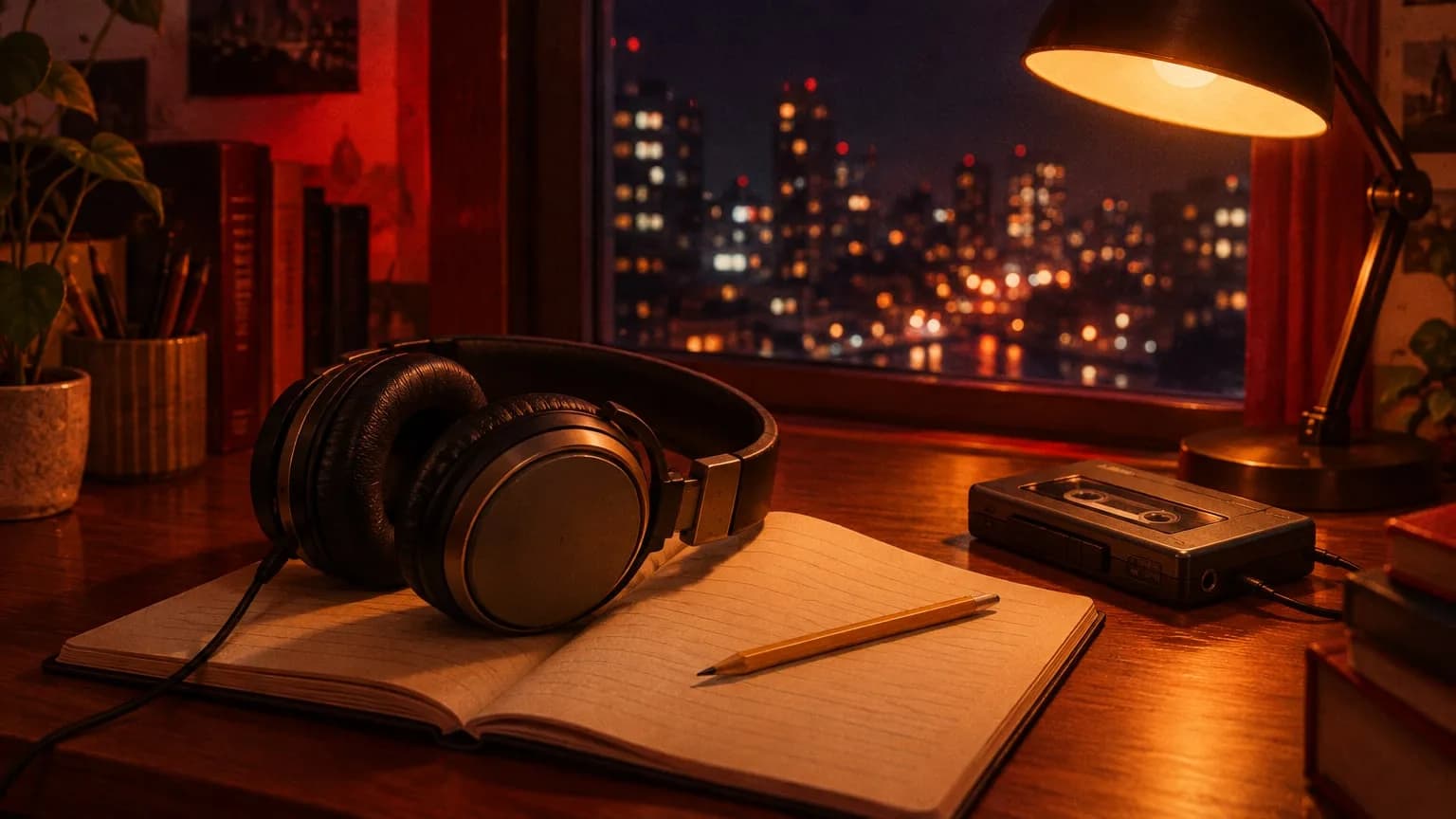 11Rainy city
 2 · Playing2By the window
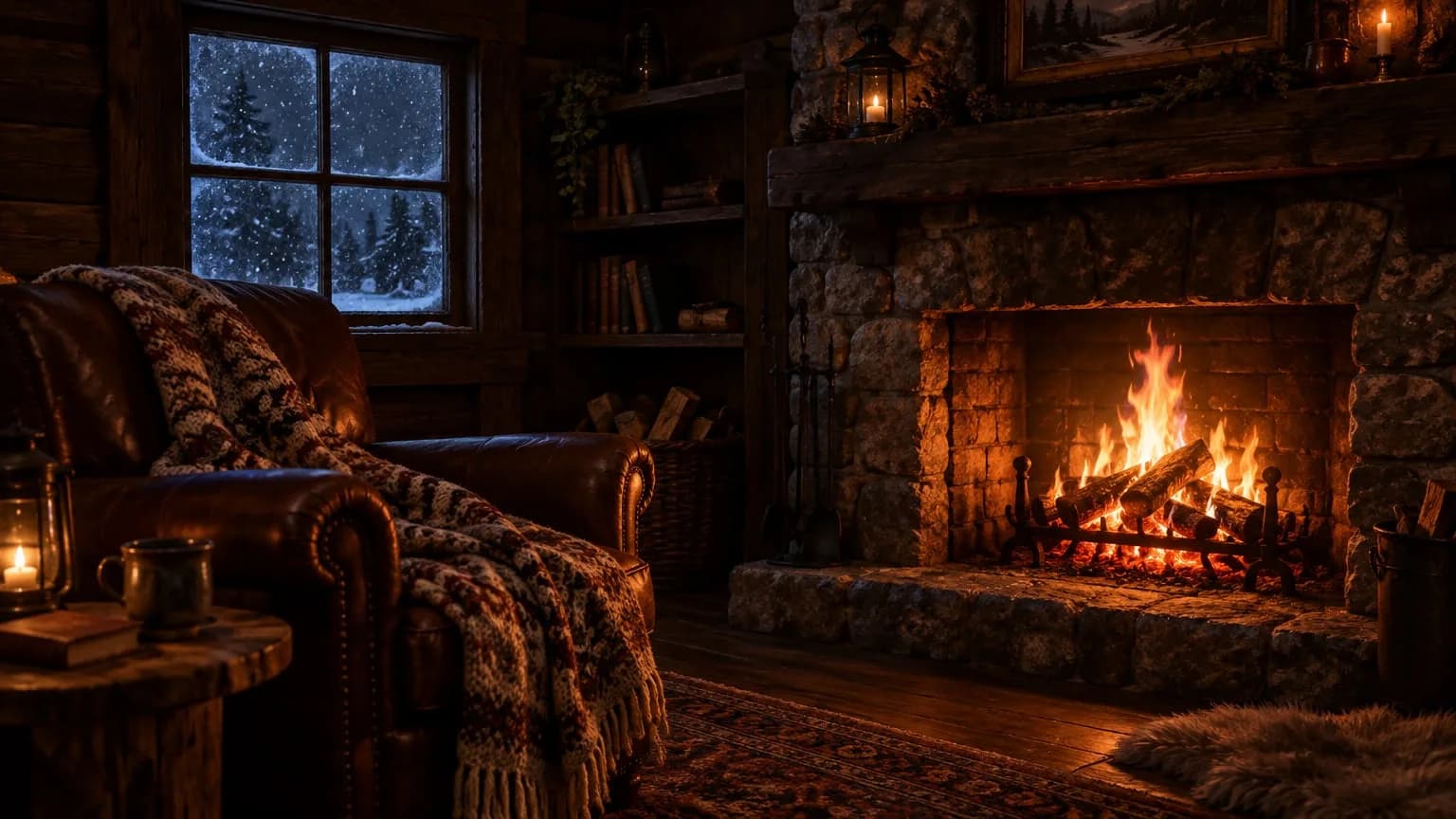 33By the fire
- Loop
Continuous loop
Your videos play in order and the playlist loops when it ends. The stream continues until you stop it.
Sample playlist view.
While you’re live
Change the loop
without stopping it
Skip to the next video or update the playlist while you’re live. Even a broken file won’t take the stream down.
Skip to next
Don’t wait for the current video to finish. Jump to the next one without interrupting the stream.
Update the playlist while live
When you edit a saved playlist, live streams using it continue in the new order. The videos just need to share the same orientation.
An unplayable video won’t stop the stream
If a file can’t be played, it’s skipped and the next one starts. The reason shows in your dashboard under “Skipped videos.”
Playlist
Skip to nextVideo 2 of 5 · Started 14m ago
- 1Night 01 · Rainy cityPlayed2:14:08
- 2Night 02 · By the windowPlaying58:40
- 3Night 03 · By the fire1:32:15
- 5
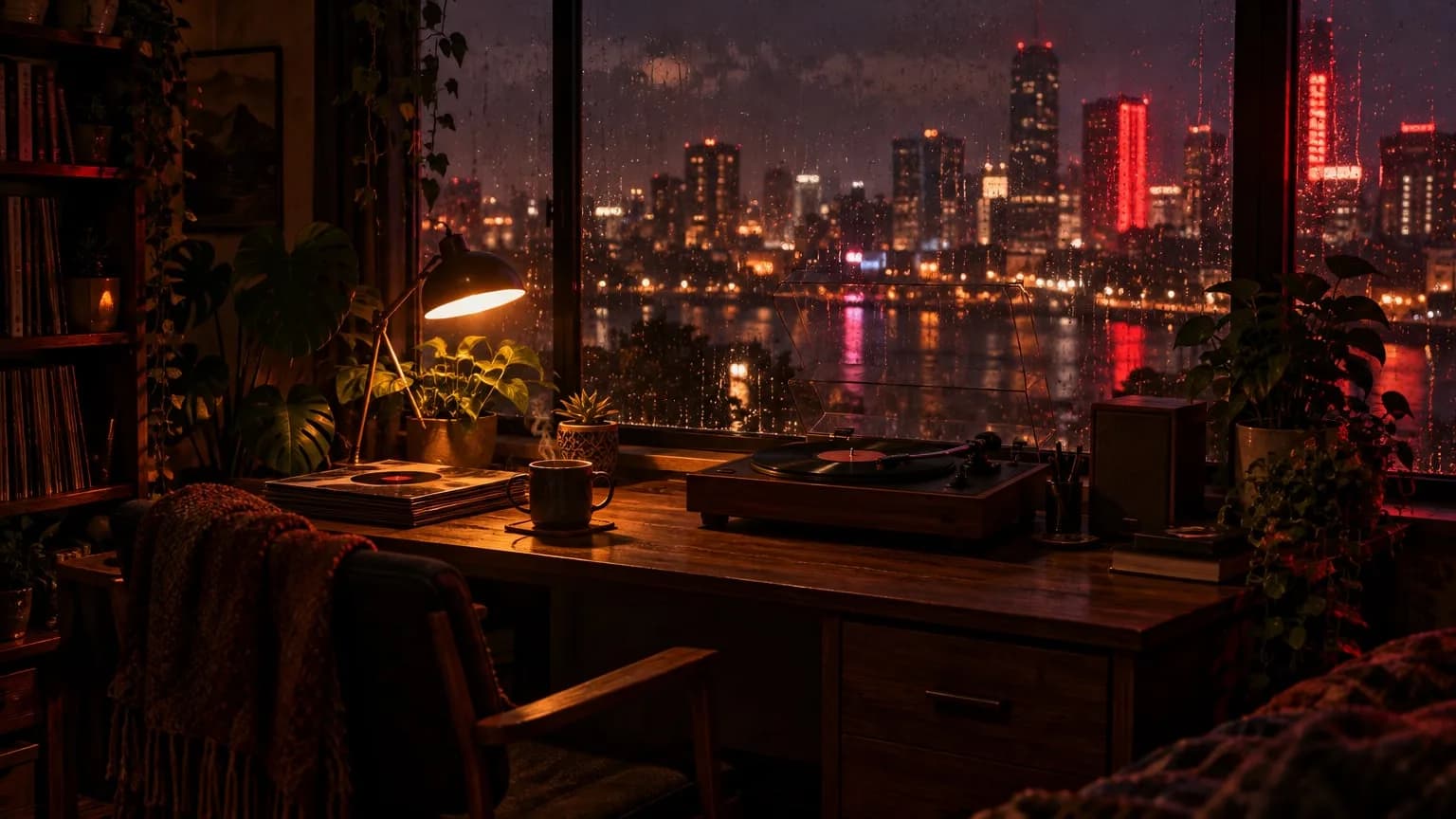 Night 05 · Quiet roomAdded while live49:12
Skipped videos
old-recording-07.mp4 — File couldn’t be read
How to loop a video
on a YouTube live stream
Once your videos are ready, setup takes a few minutes.
- 01
Upload your videos
Upload your pre-recorded videos as MP4, MOV, MKV or similar files. We convert each one to a stream-ready format in the background.
- 02
Build your playlist
Choose one video or several, in the order you want. Turn on Continuous loop so the playlist starts over when it ends.
- 03
Add your key and press start
Paste your YouTube stream key and press start. The loop keeps running from our servers until you stop it.
Why every video in the loop matches
Each video is converted to this one profile on upload, so resolution, frame rate and codec don’t change when the next video starts. Nothing is re-encoded while live.
- Resolution
- 1920×1080 landscape · 1080×1920 vertical
- Frame rate
- 30 fps
- Video
- H.264 · 2s keyframe interval
- Audio
- AAC · 48 kHz
- Bitrate
- About 4,500 kbps
- File formats
- MP4, MOV, MKV, WEBM, M4V, AVI, FLV, TS
- Storage
- 100 GB for 1–2 slots, 200 GB for 3–6, 350 GB for 7 or more
- Platforms
- YouTube, Twitch, Kick · via stream key
Is looping allowed
on YouTube?
Yes, within limits. Here’s what YouTube’s rules mean for a stream that runs on repeat.
Looping recorded video
YouTube doesn’t cap live stream length, and looping recorded videos isn’t prohibited by itself.
AllowedAds on a looping stream
YouTube treats repetitive or mass-produced content as ineligible for monetization. A longer, varied playlist is a safer choice than one short clip.
Check the rulesMusic and footage you didn’t make
YouTube scans live streams for third-party content, and a match can interrupt or end your stream. You need the rights to everything in the loop.
Your responsibilityRecordings of long streams
Streams over 12 hours may not be saved to your channel as a video. The stream itself doesn’t stop.
YouTube rule
24/7 live streaming from $19/month
Get one stream slot for each stream you want live at the same time, and change the number whenever you like.No complicated plan table. Get one stream slot for each stream you want live at the same time, and change the number whenever you like.
- Each stream slot: 1 stream at a time
- No time limit: stays on 24/7 all month
- No commitment, cancel anytime
Payments are processed by Stripe, by card and in US dollars. The subscription renews monthly.
Number of stream slots
1 stream slot
$19/ mo
- First stream slot
- $19
- Adding a 2nd slot
- +$10
You only pay when you decide to go live.
Payments are processed by Stripe, in US dollars.
Looping questions
How the loop works, and what you can change while it runs.
5 questions
Can I loop just one video?
Yes. A stream can use a single video or a playlist. With Continuous loop on, it starts over whenever it ends.
Can I turn the loop off?
Yes. Continuous loop is a switch on each stream. Keep it on for a 24/7 stream.
Can I change the order while the loop is running?
Yes. Add, remove or reorder videos from the live queue without stopping the stream. Changes apply after the current video ends.
Can I mix landscape and vertical videos?
No. All videos in a playlist need the same orientation, either all landscape or all vertical.
Will viewers notice when the playlist restarts?
The stream itself doesn’t stop. Every file is converted to the same format on upload, so videos are sent one after another with no re-encoding. Viewers simply see the first video start again.
More ways to run
a 24/7 streamMore ways to run a 24/7 stream
Pre-recorded live streaming
Stream a recorded video as a live stream, with no camera or OBS.
Learn more →24/7 YouTube live stream
Keep your channel live around the clock, with automatic restarts.
Learn more →Live stream without OBS
How a stream runs with your computer off, compared with OBS and a VPS.
Learn more →
Start your 24/7 stream today
Creating an account is free. You only pay when you decide to go live.Creating an account is free. Look around the dashboard, and pay only when you decide to go live.
- Free to sign up
- No commitment
- Nothing to install